
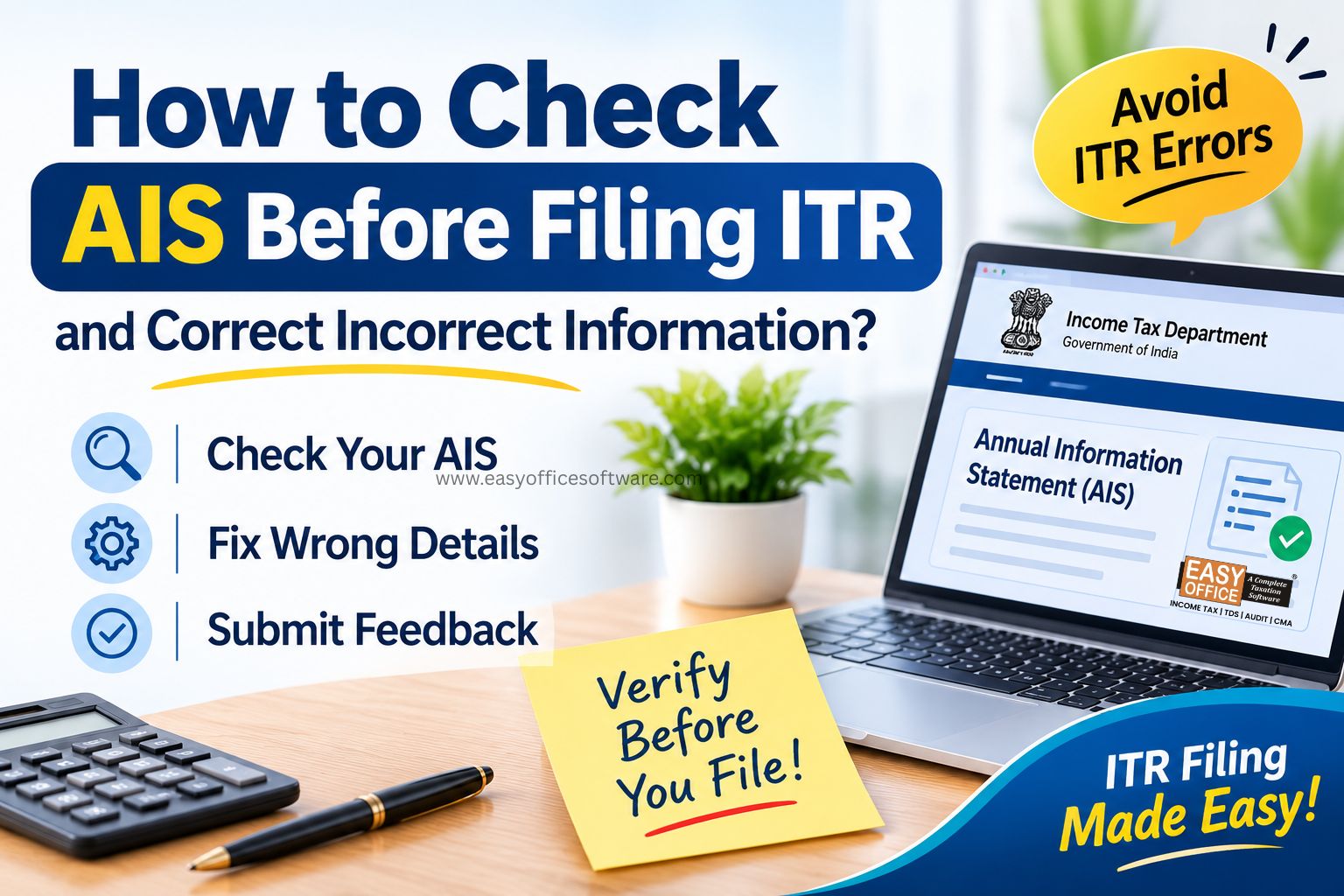
Filing the Income Tax Return (ITR) form will become easier if you review your financial details before filing it. The Annual Information Statement (AIS) enables you to review your income, tax deductions, interest income, investments and other financial dealings that are reported to the Income Tax Department.
Whether you’re a salaried employee, a businessman, or a freelancer, checking the AIS will be essential before you file your returns to identify discrepancies and reconcile your tax records. Also, using the right itr filing software may assist you in organising your tax-related information.
Here is how to check your AIS, correct wrong information, and make sure your ITR reflects your actual income.
What Is AIS and Why Should You Check It Before Filing Your ITR?
AIS is a detailed record of financial information linked to your PAN. Banks, employers, mutual fund companies and registrars report this data to the department.
Think of it as a summary of financial information reported to the Income Tax Department. Your job is to compare it with yours.
You may find:
a. Salary details
b. Bank interest (savings, FDs)
c. Dividend income
d. Shares and mutual fund trades
e. Property purchase or sale
f. TDS and TCS entries
g. Foreign remittances
Many people forget the savings account they opened years ago, yet its interest still shows up here. Checking helps you spot missing income, duplicate entries, wrong amounts, or transactions that aren’t yours.
Remember: AIS is not your return. If income is missing from AIS, you still have to report it. If an entry is wrong, you don’t have to copy it.
How to Check Your AIS Online Before Filing Your ITR
Keep your PAN, password, and documents ready. It takes about ten minutes.
Step 1: Log in
Log in to incometax.gov.in using your PAN number and password. Authenticate the same as required.
Step 2: Open AIS
Click on the AIS (Annual Information Statement) option on the dashboard. You will get access to the AIS website having your PAN number.
Step 3: Pick the Right Year
Select the year you’re filing for. For Example: Income earned from 1 April 2025 to 31 March 2026 is FY 2025–26, or AY 2026–27.
Picking the wrong year is an easy slip, and it ruins the whole comparison.
Step 4: Go Through the Details
Read each category one by one. Keep your Form 16, salary slips, bank statements, and investment reports beside you. Even a small penny entry counts.
You can download the statement for offline reading.
Step 5: Check TIS Too
The Taxpayer Information Summary (TIS) is a shorter view of AIS. TIS provides a category-wise summary of information, including processed and taxpayer-accepted/source-confirmed values. Read both, but remember neither one decides your final taxable income.
What Should You Do If Your AIS Information Is Wrong?
A wrong entry doesn’t mean you made a mistake. Often a bank, employer, or broker reports it incorrectly. You can flag it using the feedback option on the AIS portal.
1. Mark Down the Entry
Mention the source, quantity, date, and category.
If AIS reflects FD interest as ₹25,000 while your bank statement is of ₹15,000, investigate the difference before submitting feedback. This may not necessarily be an error. It could well be explained by another deposit or time frame.
2. Submit Feedback
Open the entry and choose an available feedback category. You may see choices like:
a. Entry is incorrect
b. Belongs to someone else
c. Duplicate transaction
d. Amount needs correction
Add the details asked for, submit, and save the acknowledgement.
3. Talk to the Source
Feedback on AIS doesn’t always fix the original report. The reporting entity may need to file a correction.
If your employer reported the wrong salary or TDS, ask the payroll team to check the TDS statement. If a bank reported the wrong interest, ask it to verify what it filed against your PAN. Contact the reporting entity in writing where possible and keep a copy.
4. Keep Your Proof
These records help if the department asks questions later:
a. Bank statements
b. Interest certificates
c. Form 16 / 130
d. Capital gains statements
e. Property documents
f. Emails with the source
Should You File Your ITR If AIS Still Contains an Error?
Generally, yes. File by the due date instead of waiting for AIS to be corrected. A missed deadline can cost you a late fee and interest, so pending feedback shouldn’t hold you back.
Report income based on your actual records and tax rules, not on whether AIS shows it.
Suppose AIS lists the same interest twice, but your bank confirms it credited it once. Report the correct amount and keep proof of the duplicate and your feedback.
The reverse also holds. Don’t skip genuine income just because AIS missed it.
If the difference is large or involves property or shares, talk to a qualified tax professional first.
How Can I Use ITR Filing Software to Reduce Errors?
Organised records make filing smoother. Good software helps you enter income, calculate tax, review deductions and fill schedules. Software direct import AIS/TIS Data and review relevant tax information, organise income details, compare TDS information and identify inconsistencies before submitting your return.
Before you submit, run through this:
a. Match income
b. Verify TDS with Form 26AS
c. Review capital gains
d. Check deductions under your Tax regime
e. Recheck personal details
Software can flag some mismatches, but it can’t replace your own verification.
Common Mistakes to Avoid When Checking AIS
1. Ignoring small interest amounts
2. Treating AIS as final
3. Skipping missing transactions
4. Confusing AIS with Form 26AS - Assuming AIS and Form 26AS contain the same information
5. Starting late
6. Not saving evidence
Small interest can be taxable even without TDS, and entries can be wrong or duplicated. AIS is broader than Form 26AS, which mostly covers tax credits. Start early and keep every acknowledgement.
Frequently Asked Questions
1. Is it mandatory to check AIS before filing an ITR?
There’s no separate rule that makes it compulsory. However, it is very advisable because it will help you identify any discrepancies and report income correctly.
2. What happens when AIS has the wrong income reported?
Give feedback on the portal, and contact the reporting organisation, if necessary. Keep all the documentation and report the income according to the facts.
3. Can I file my ITR while AIS feedback is pending?
Generally, yes. Don’t miss the deadline just because feedback is pending. File using verified records.
4. What is the difference between AIS and Form 26AS?
AIS reports more transactions compared to form 26AS, which contains mainly tax deductions such as TDS and TCS. Compare both.
5. Can I submit ITR forms if my AIS has mistakes?
Yes. You can do so after preparing your return with accurate details and reporting taxable income.
Conclusion
AIS checks before filing will help you to spot errors, reconcile the transactions and prevent unnecessary notices from the authorities. Go through it, provide feedback and make a note of it.
Most importantly, don’t rely on AIS alone. Compare it with Form 16/130, Form 26AS, bank statements, and investment records. A dependable tax filing tool can make that routine easier.
Get your tax records in order before you file. Check out EasyOfficeSoftware for software that will help you with organised and accurate income tax filing.
Annual Information Statement, AIS, ITR Filing, Income Tax Return
Related Blogs



All in one Software
- Income Tax Software
- TDS & TCS Software
- Audit e-filing Software
- CMA Data Software








Penalty for Late Filing of Income Tax Return for FY 2025-26 – Section 234F of Income Tax Act 1961
#ITR


